
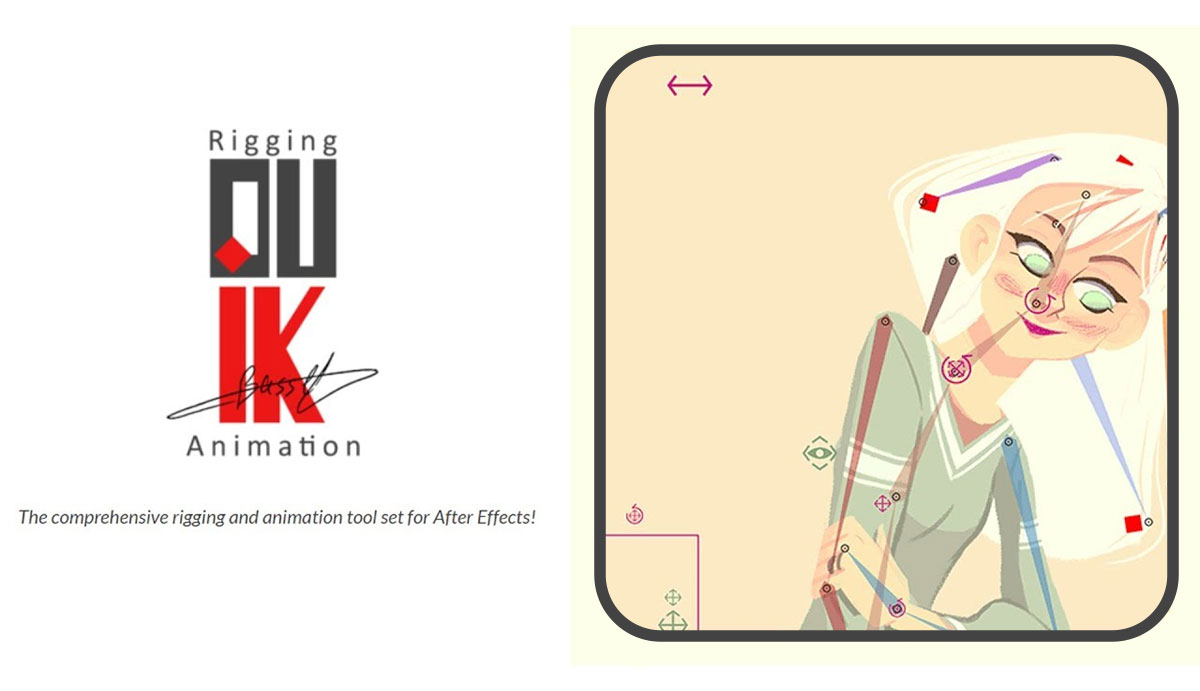
Today we are going to learn how to install Duik Character rigging tool for After Effcts cc:
Go to rainboxprod website (https://rainboxprod.coop/en/tools/duik/) and download dukeik zip file for pc.
- Unzip all the files in any folder.
- Copy all the files to the ScriptUI Panels folder:
for After effects cc 2019- Windows:
C:\Program Files\Adobe\Adobe After Effects CC 2019 \Support Files\Scripts\ScriptUI Panels\
- Windows:
for after effect cc only
- Windows:
C:\Program Files\Adobe\Adobe After Effects CC\Support Files\Scripts\ScriptUI Panels\ - Mac OS:
/Applications/Adobe After Effects CC/Scripts/ScriptUI Panels - Restart After Effects. Duik will then be available in the Window menu.
- Windows: While holding the [Alt] and [Shift] keys, drag and drop the file Duik Bassel.jsx onto the project panel in Windows.
- In Mac OS: Hold the [Option] and [Shift] keys, then drag and drop the file Duik Bassel.jsx onto the project panel.
